Cable Labeling & Management
- Use Actual Labels, Not Tape
- Print the Lettering, Don’t Handwrite
- Label every device with a unique, readable ID (e.g. DAL-CORE-SWITCH-05)
- I recommend cable-specific wrap labels, not flags
- Use a unique serialized ID on every cable (I like 8-digit hexadecimal IDs)
- make the distance somewhat random so the labels are not all bunched in one location
- labels should include key information including the building it is in, room number, cabinet, rack, and port details
- Make the font readable for a person who doesn't need glasses
- label both ends with wrap-around labels printed with info on both devices
- Cables should be labelled clearly at both ends and on both sides of any point (케이블의 양 끝과 양 끝에 명확하게 라벨을 붙여야 합니다) (You need to label all cables, both ends)
- “한눈에 다 보여야된다”
- Keep different types of network cabling separate. Don't mix bundles of different kinds of cables
- Don't "pinch" cable too tightly with plastic ties
- You should definitely keep power and Ethernet separated as much as possible
- 케이블 묶음을 사용하여 데이터 케이블 그룹을 묶거나 케이블을 구성 요소에 고정 및 넥타이의 잘린 끝이 제대로 배치 확인
Some Good Examples of Labeling:
Some Good Examples of tying:
케이블 관리자 (도구)
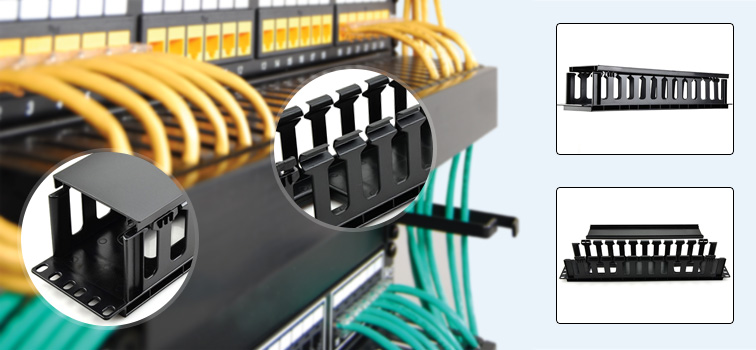
케이블 관리자는 단순하고 고리를 사용하여 케이블 묶음을 구성합니다. 일부 케이블 관리자는 번들을 숨기고 설치를 깔끔하게 유지할 수있는 표지가 있습니다.
Patch Panels
A patch panel provides a way to keep large numbers of cables organized, enabling flexible connectivity into network hardware located in a data center or an access or wiring closet (Techtarget.com)
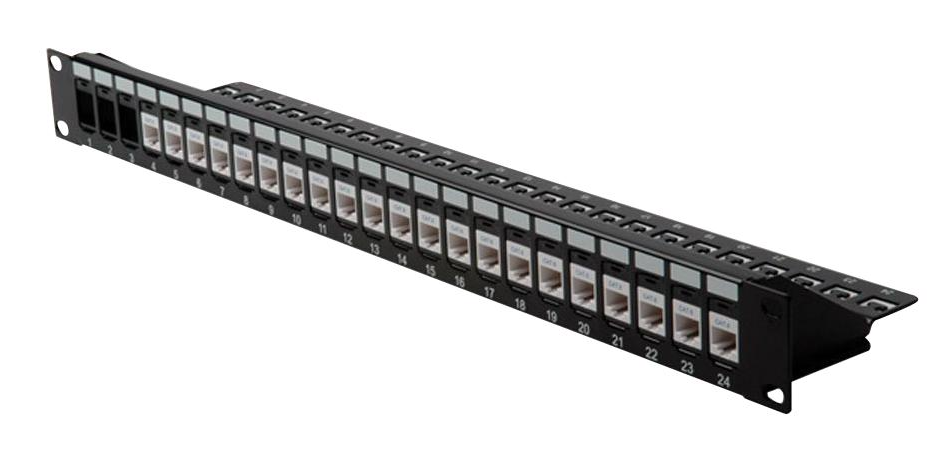
패치 패널 영상
https://www.youtube.com/watch?v=IEM9mtoCP7c
Regarding Cable Labeling
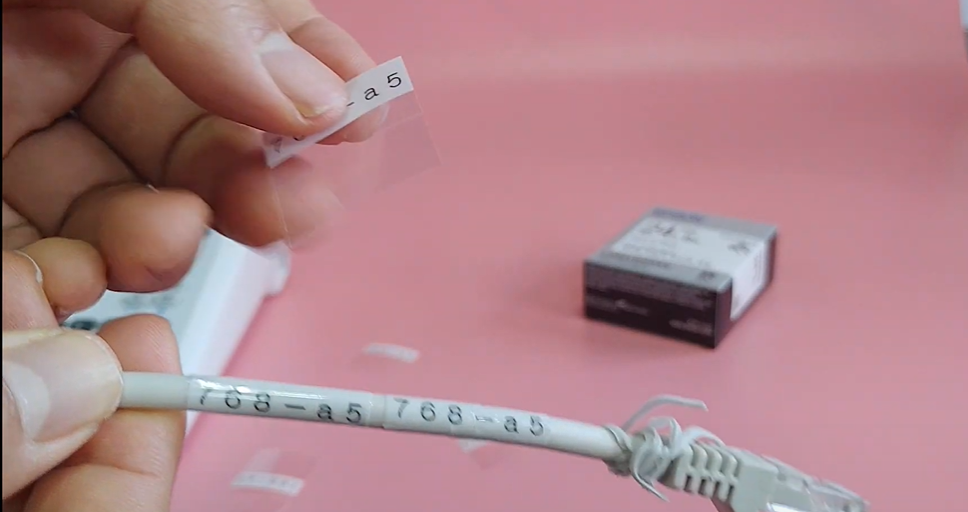
A simple 2 sided label would be good so the label should technically look something like this:
This will ensure that when the label sticker is pasted by placing the sticker’s empty middle space into the cable, the label content is displayed on both sides.
Basically labeling both ends with wrap-around labels printed with information on both sides
→ Another way of making the label visible at once is by printing and pasting the label using the following method:
→ The device we are using is EPSON OK730. There is a cable mode in the device.
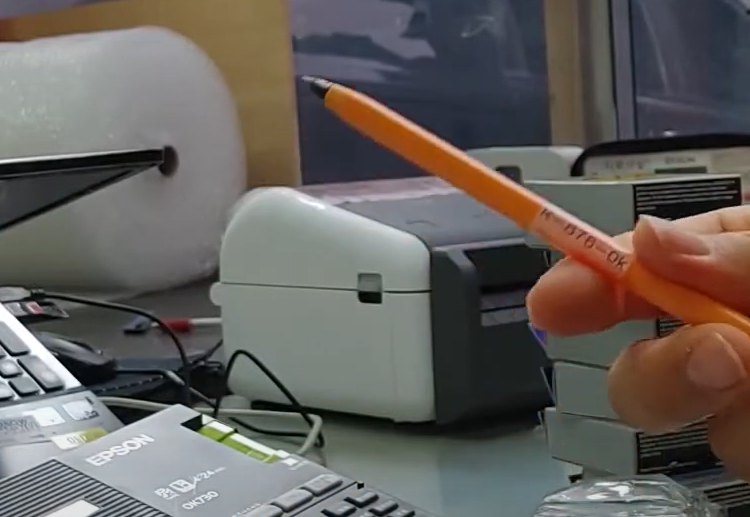
Installing the EPD10 program:
https://www.epson.co.kr/faq/SPT_C51CA63040~EKL_FAQ_1075?faq_cat=faq-topFaqs
Label Tape Colors:
Label들 꿀팁 정리:
https://m.blog.naver.com/PostView.naver?isHttpsRedirect=true&blogId=epsonstory&logNo=70156258061
Label Printer connection with the PC
영상 참고:
Basic example:
현재 결론:
- Labeling은 2가지 방법이 있다. (케이블 라벨 + 기존 라벨)
- 케이블 라벨은 바로 위에 보이는 라벨들과 같다. 기존 라벨은 IDC에서 예시로 가져온것과 동일
- 최소 24mm 폭을 쓰는 테이프가 있어야 케이블 라벨이 나올 수 있다
- 기존 라벨 형태로 쓴다면 몇가지 예시로 뽑아 놓은 라벨들이 있다
- 케이블 정리는 IDC 사진들 참고하여 숙지 해 두었다